AI Logo Generator for new logos and redesigns

Describe your business or upload the logo you have. AI Logo Generator designs a logo you can edit and download as PNG, SVG or PDF.

  • Free credits to start
  • You own your logos
  • PNG, SVG and PDF
Three example logos: NeuroLink Labs, Greenora and Innovatech Solutions

What Is an AI Logo Generator?

AI Logo Generator is an AI logo maker for businesses, startups, online stores, app makers and creators around the world. Describe your brand in a few words or upload a reference image, and it designs a logo for you. Already have a logo? Upload it and redesign it with a prompt, a short description of what should change. Edit the result and download it as PNG, SVG or PDF, in your browser or in the iPhone app.

An AI logo generator is an online design tool that uses artificial intelligence to turn your brand details and visual preferences into original logo concepts. Instead of starting with a blank canvas, you provide a business name, industry, style, colors, audience, and preferred symbols.

AI Logo Generator Features and Benefits

Start from a short description or a reference image, or upload your current logo to redesign it. Each request gives you one design. Edit it until it fits, then download it as PNG, SVG or PDF.
How to Use Our AI Logo Generator

Build a custom logo from your brand name, style direction, and business goals in 8 simple steps.

Step 1

Enter Brand Name

Enter your brand or business name so the AI can generate logo ideas that match your company identity, positioning, and naming style.
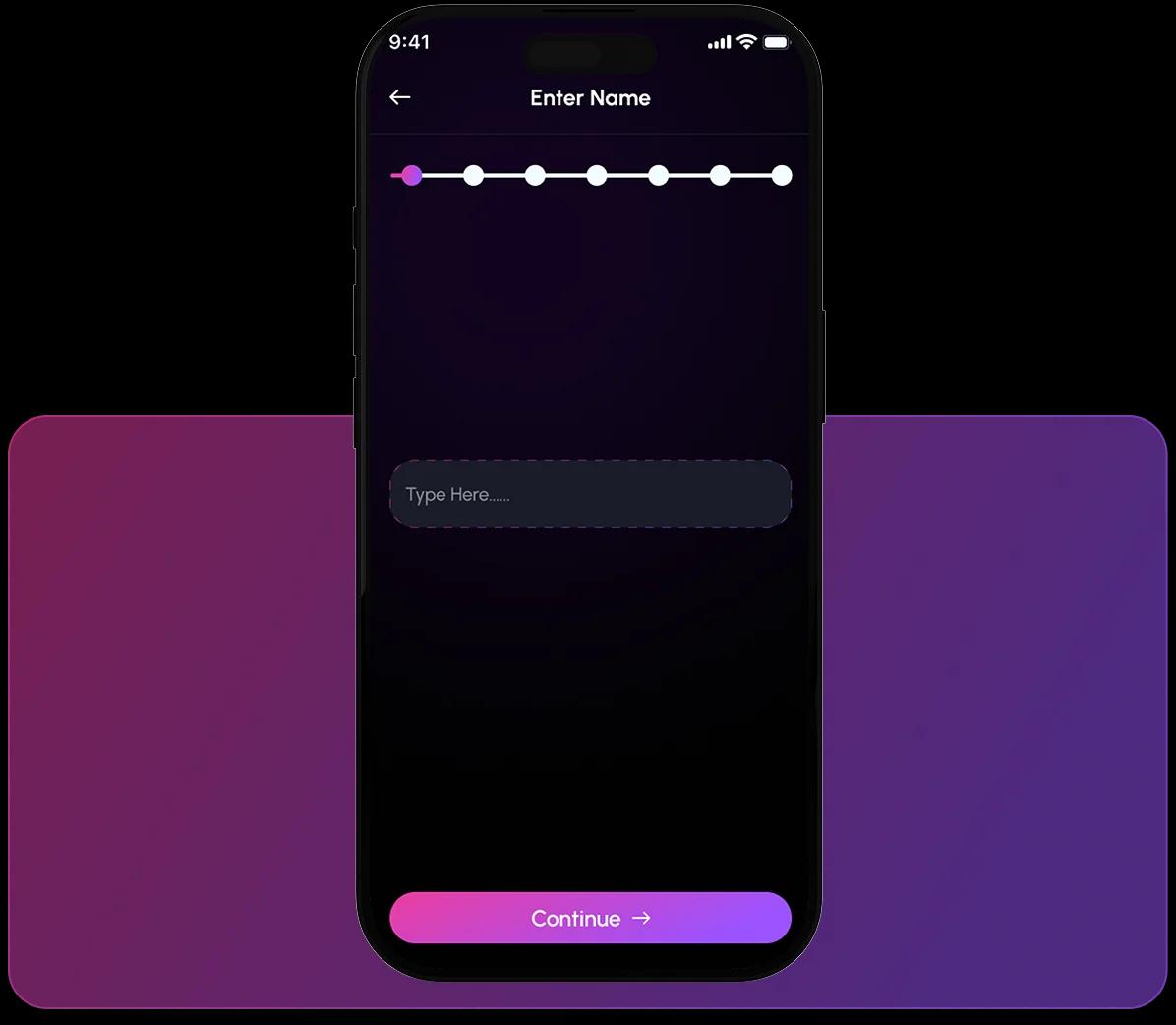
Enter your brand name in the AI logo generator
Choose an industry to guide AI logo design
Step 2

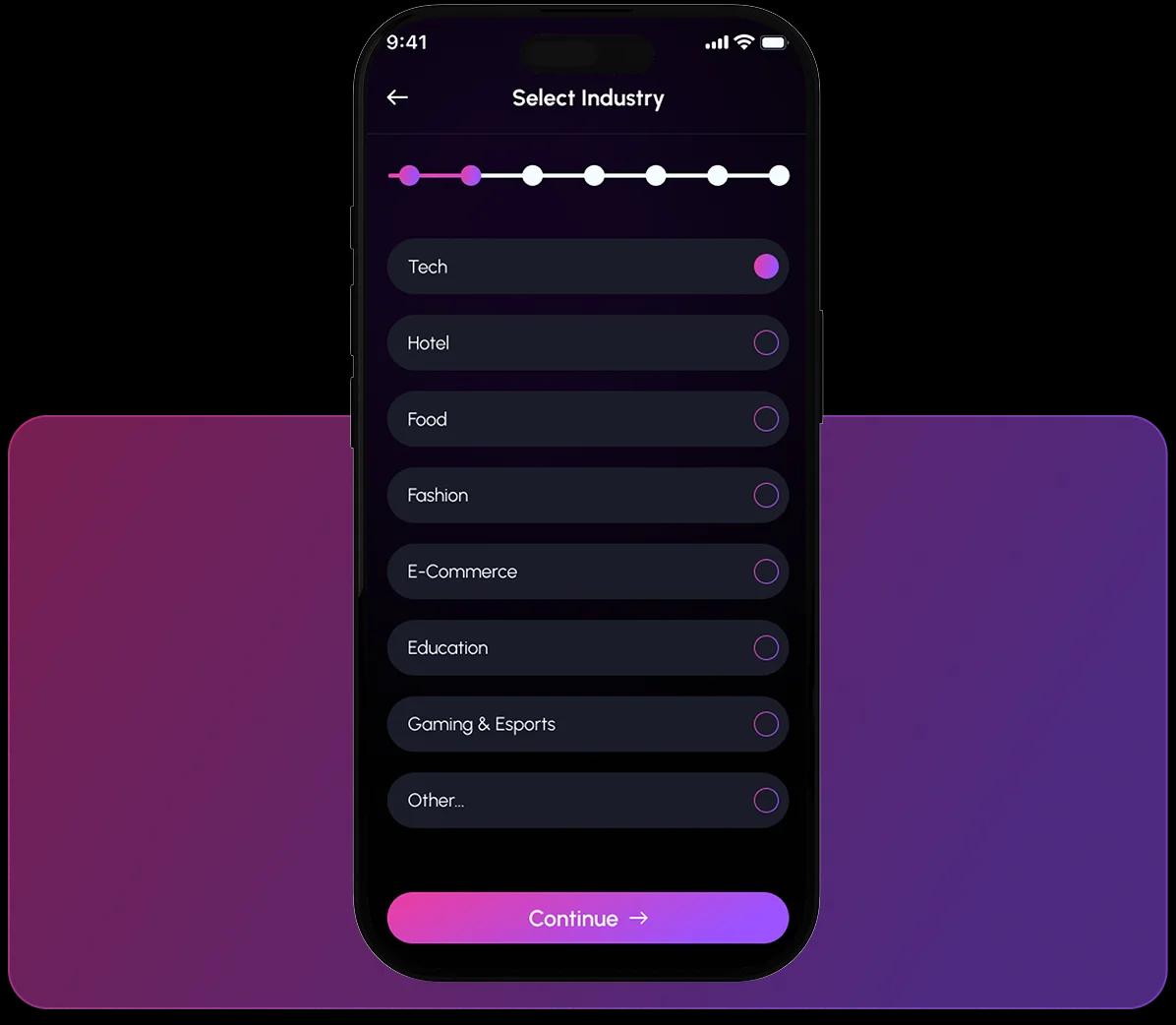
Select Industry

Choose your industry or niche so the AI logo maker can generate more relevant logo concepts for tech, fashion, food, health, finance, and other markets.

Step 3

Select a Style

Pick a logo style such as modern, minimalist, luxury, bold, playful, or vintage to shape the overall look of your brand identity.
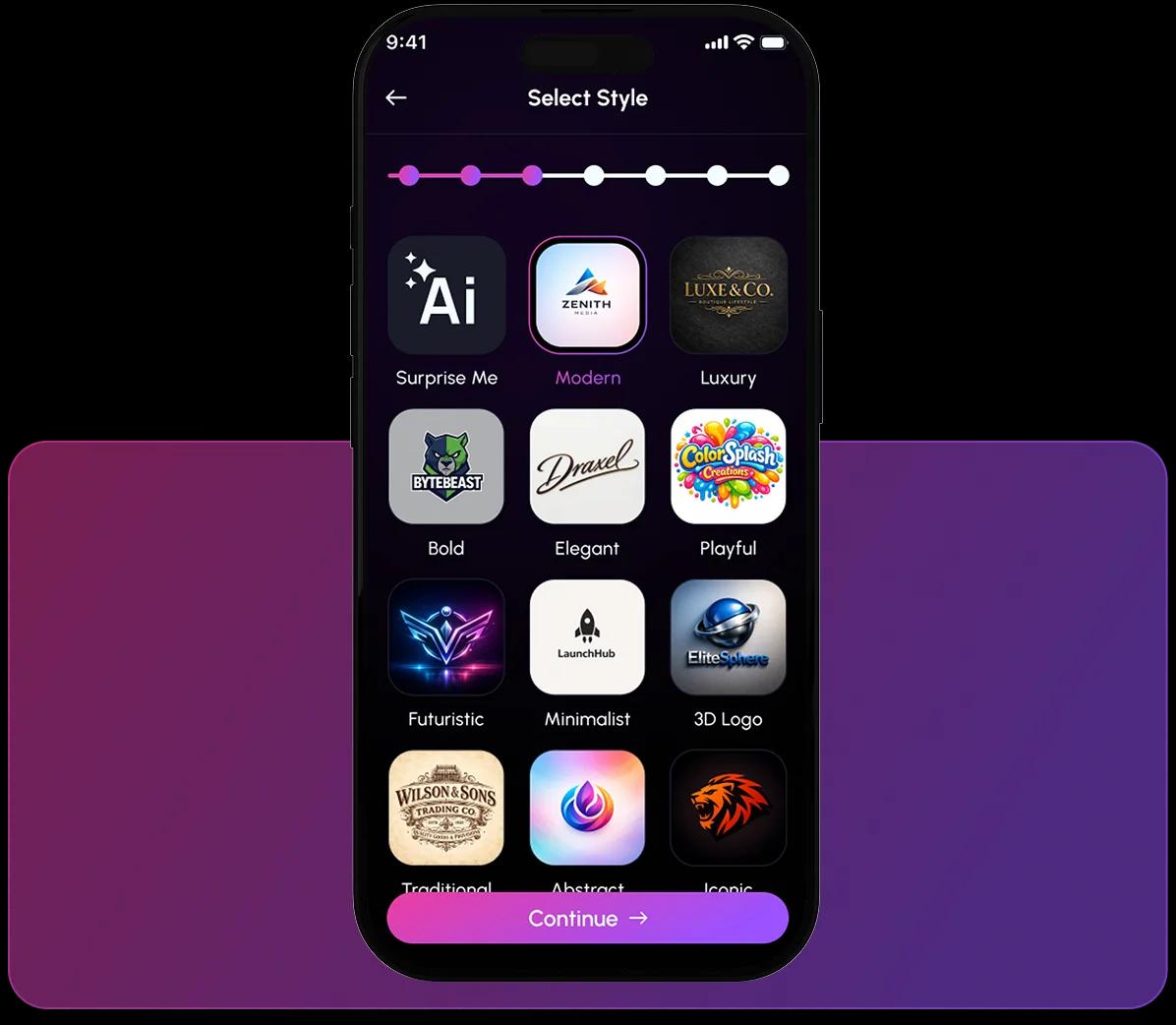
Choose a design style for your AI generated logo
Select brand colors for the AI logo generator
Step 4

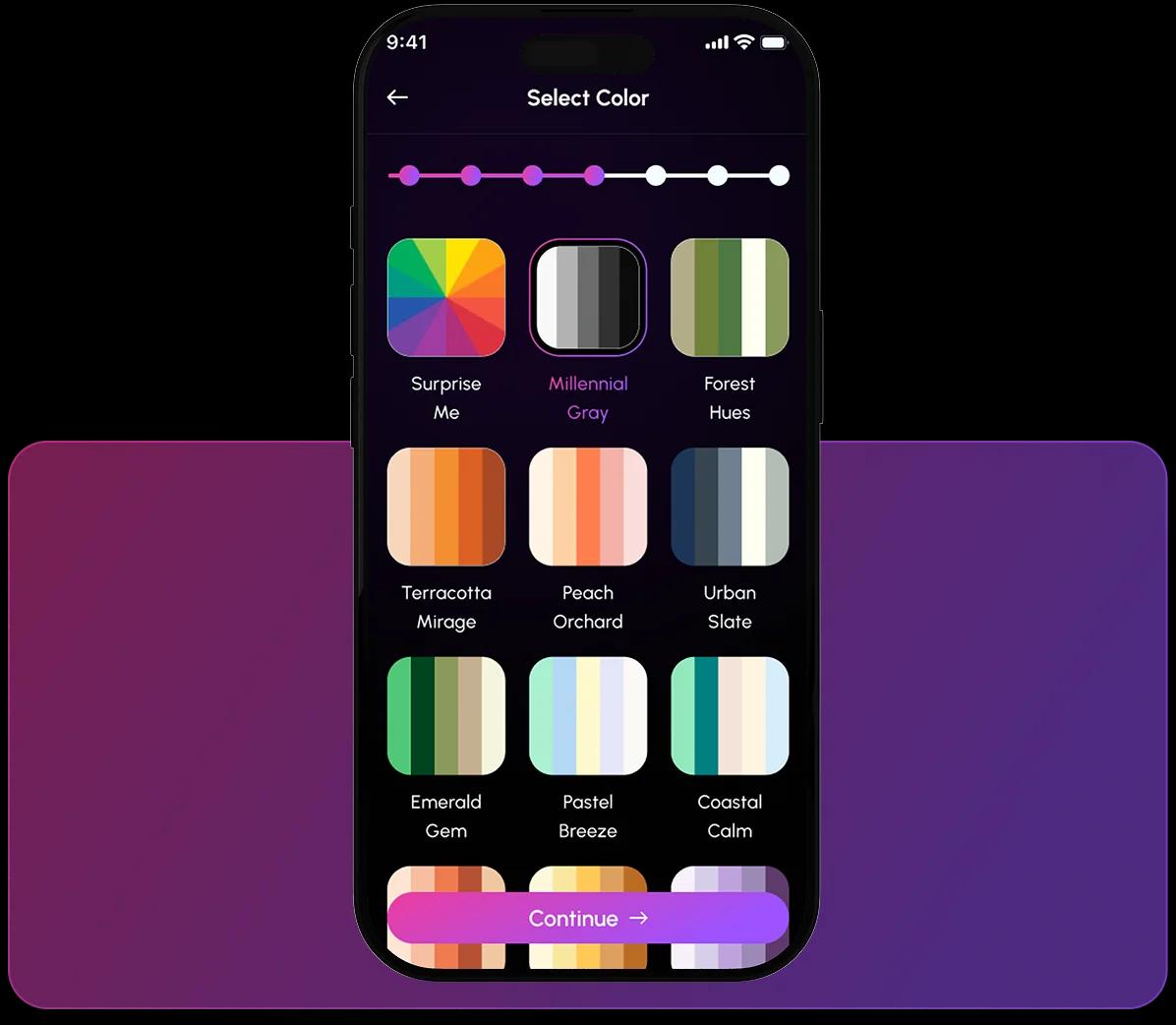
Select a Color

Choose a brand color palette that fits your audience and positioning, from bold high-contrast colors to subtle premium tones.

Step 5

Select Your Targeted Audience

Tell the AI who your logo needs to appeal to so it can generate brand marks that feel more relevant to your ideal customers.
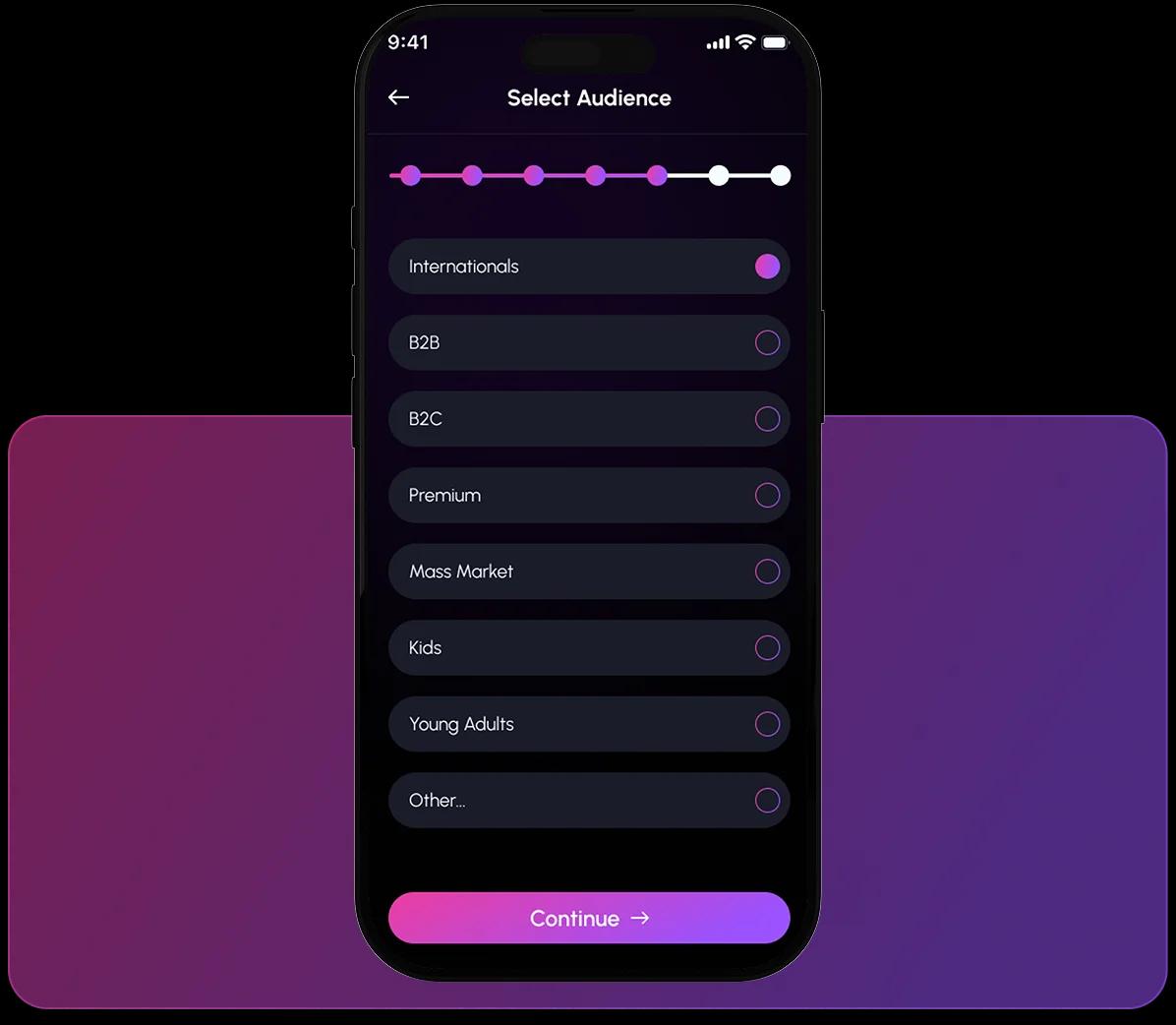
Define the target audience for your logo design
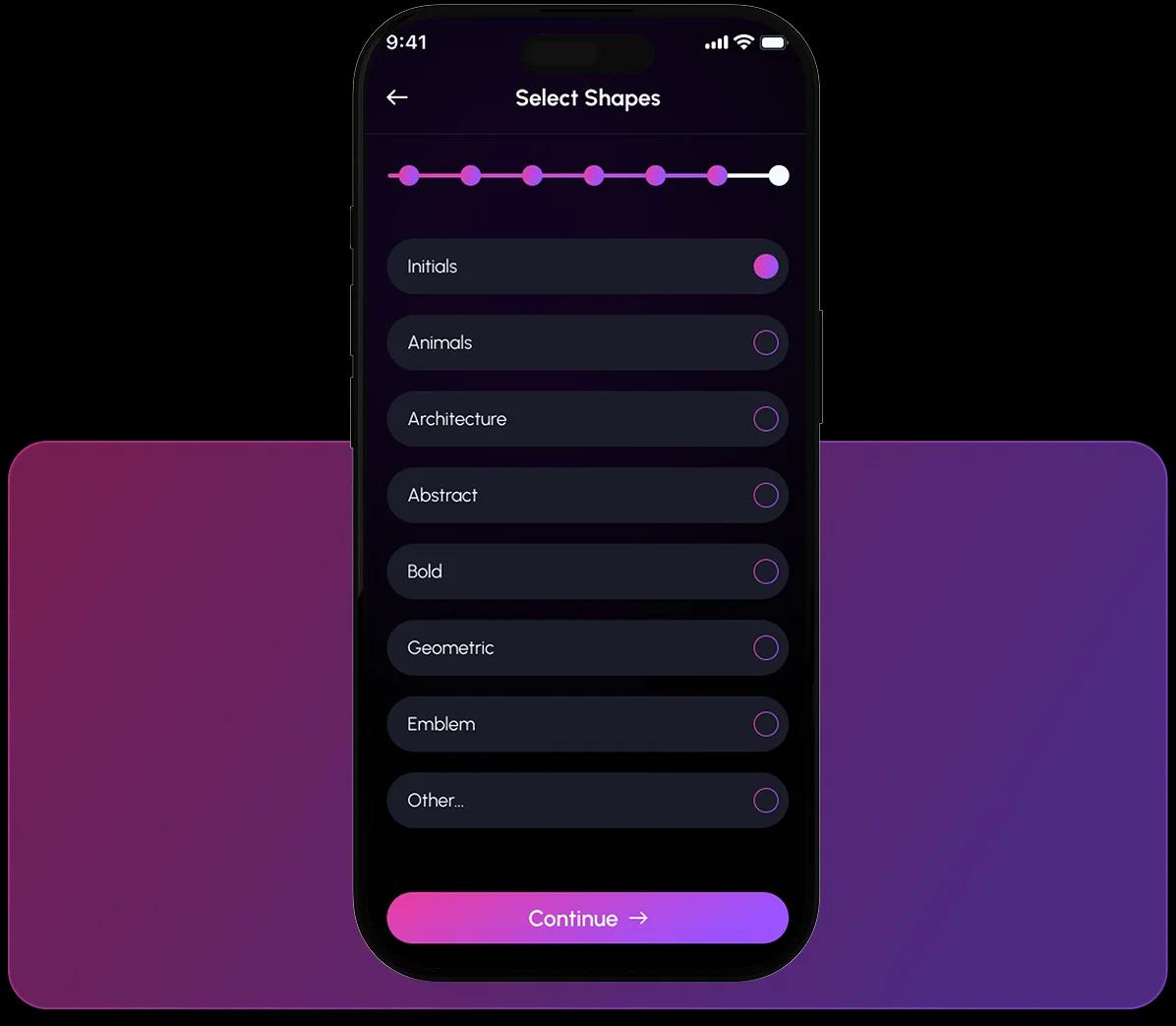
Choose shapes and symbols for your custom logo
Step 6

Select Shapes

Choose shapes and symbols that match your brand personality, whether you want something friendly, premium, geometric, abstract, or highly memorable.

Step 7

Select Purpose of Usage

Choose where you plan to use the logo, including websites, social media, packaging, business cards, ecommerce stores, and branded materials.
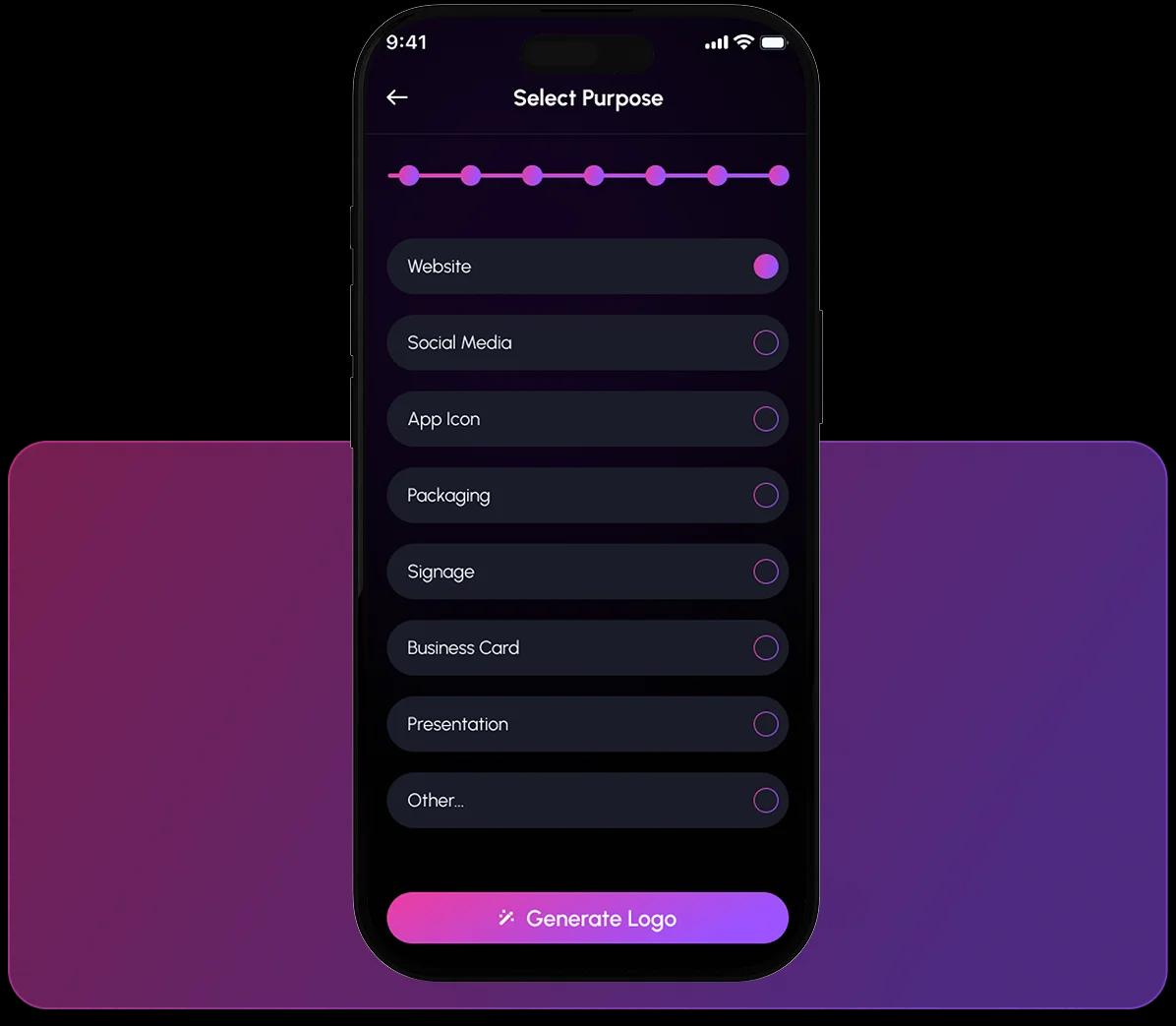
Pick where your logo will be used across your brand
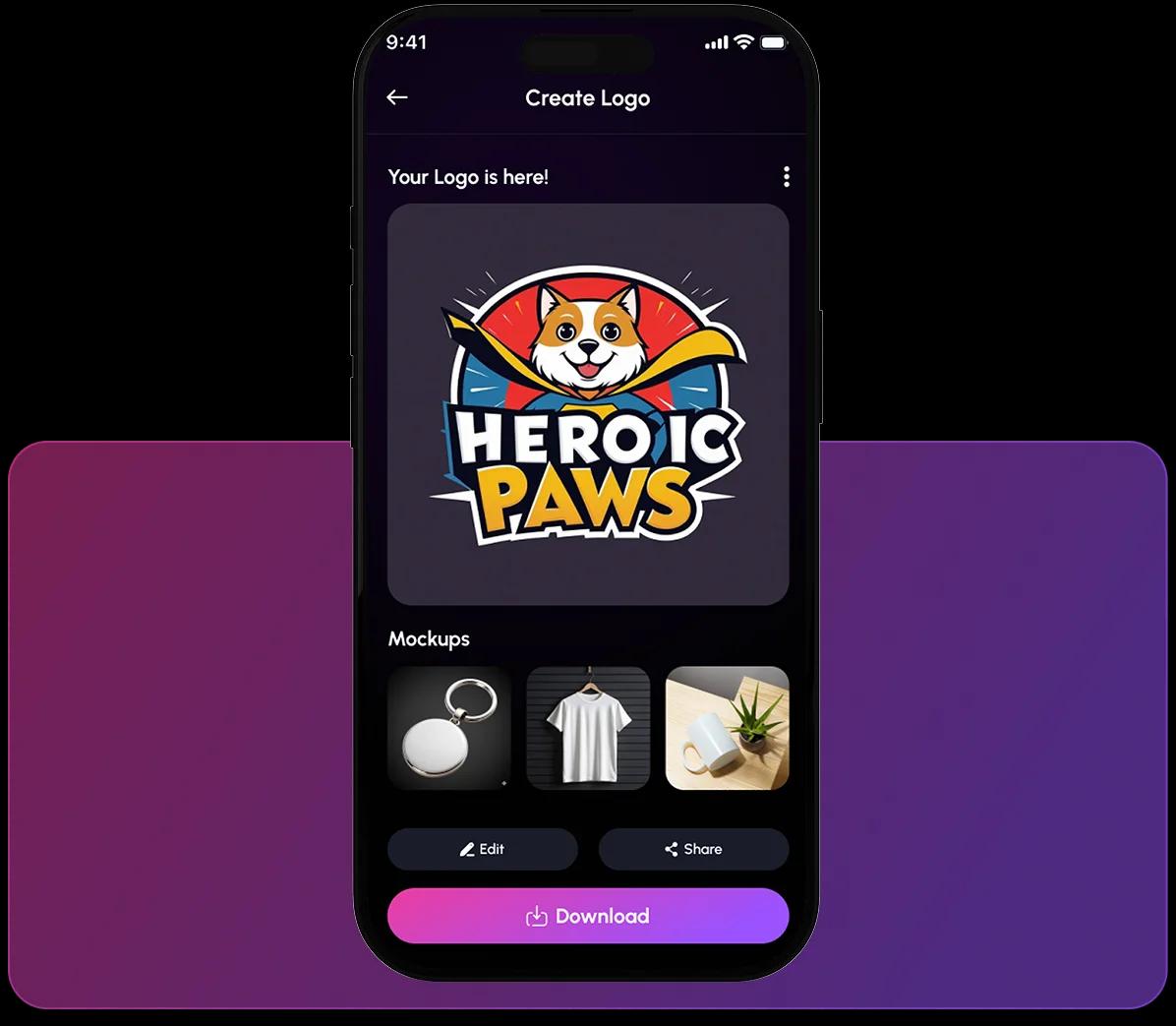
Download your finished AI generated logos
Step 8

Download Your Logos

Download your logo as PNG, SVG or PDF for your website, social media, print and packaging as soon as your design is ready.

AI Logo Design Examples and Styles

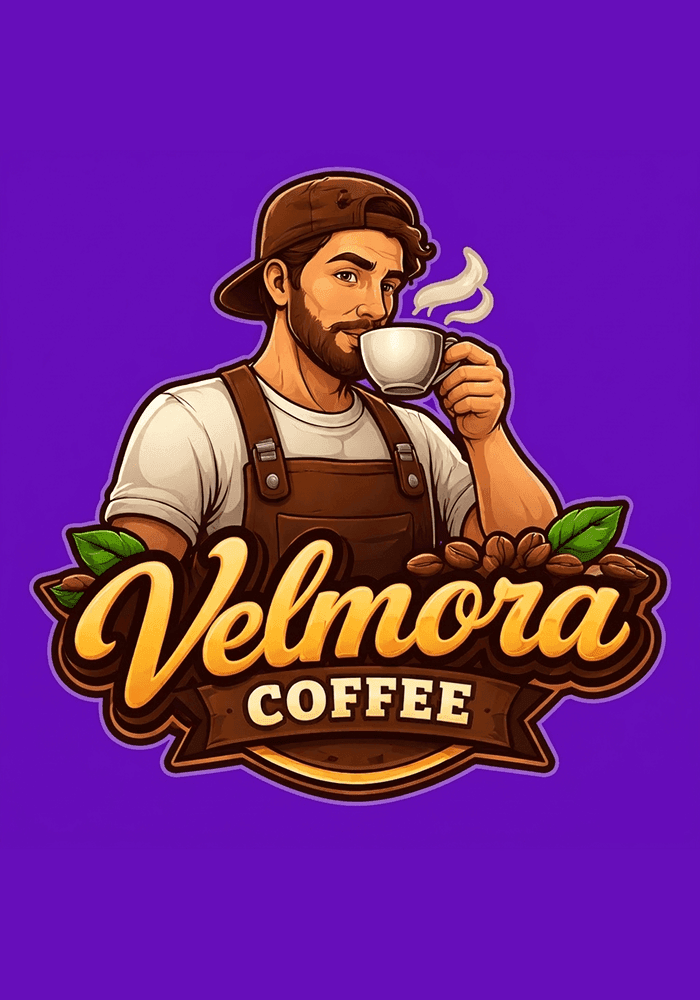
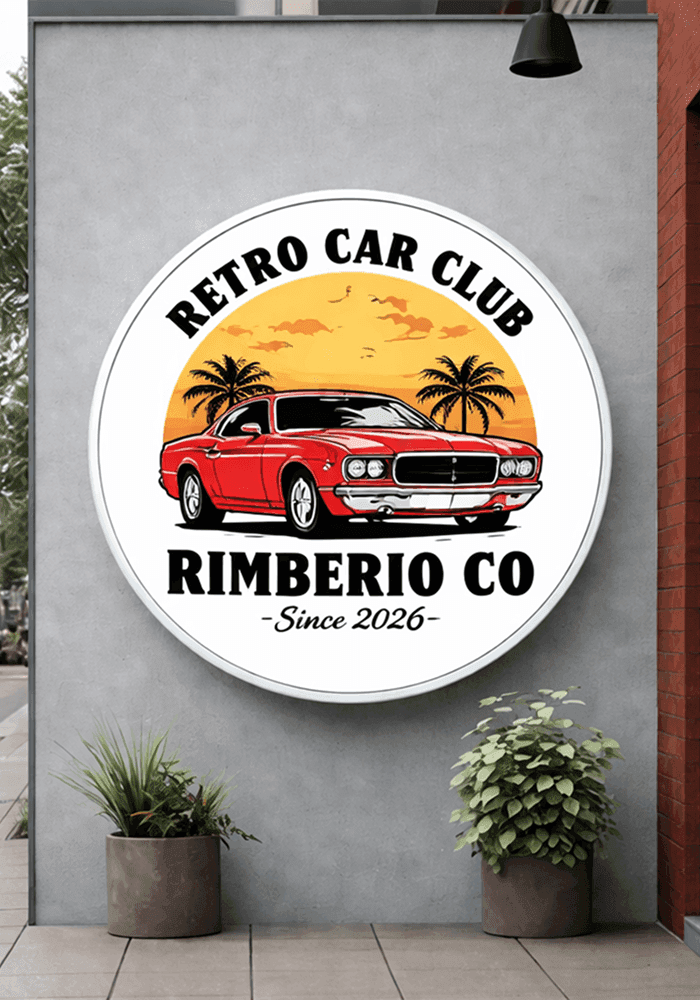
The logos below show the main logo types you can create: a monogram built from initials (Noble Rain), badge and emblem logos (Fauget, Riders Club), mascot logos with a character (the Burger tiger, the Velmora Coffee barista, the Dragon Steel dragon) and illustrated logos placed on a sign and a business card (Rimberio Co).
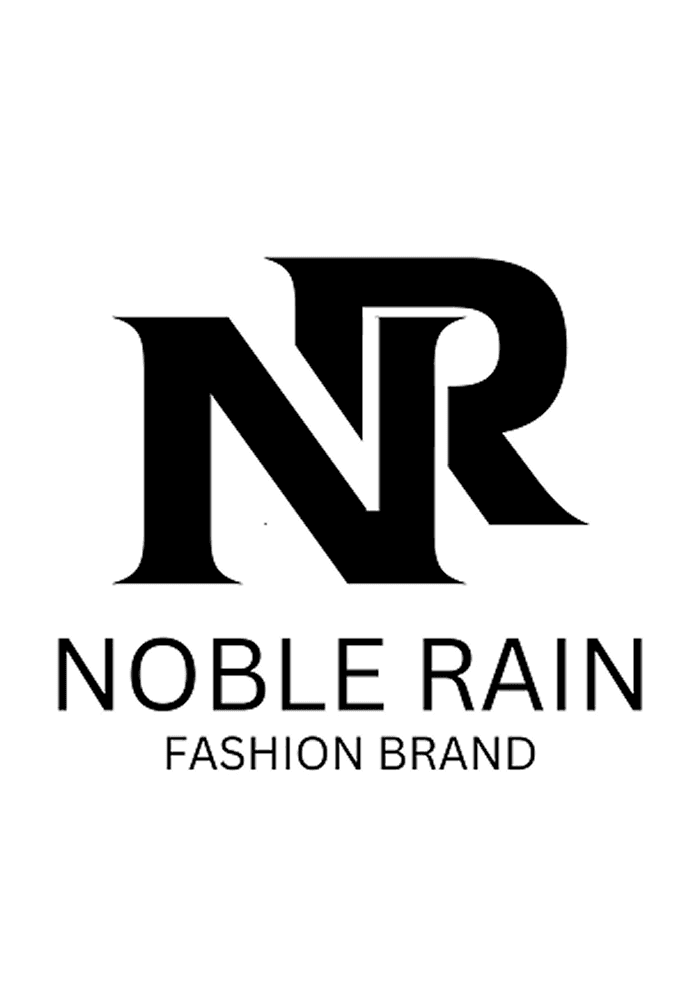
Noble Rain fashion brand logo with a black NR monogram
Rimberio Co Retro Car Club logo on a round sign on a wall
Fauget burger and pizza badge logo
Rimberio Co Retro Car Club logo on a business card
Riders Club badge logo with a camper van under palm trees
Urban Ride Cleaners car wash logo with a blue sports car and a water splash
Burger logo with a tiger head on an orange background
Dragon Steel esports team logo with a dragon head
Rimberio Co Retro Car Club logo with a red classic car and a yellow sun
Velmora Coffee logo with a barista holding a cup

Why Businesses Use AI Logo Generator

Create polished logos for startups, online stores, agencies, apps, side projects and small businesses in brand-ready styles you can customize and download as PNG, SVG or PDF.

Get the App

Free to download · In-App Purchases

4.1
Rating out of 5 · US App Store
7 ratings
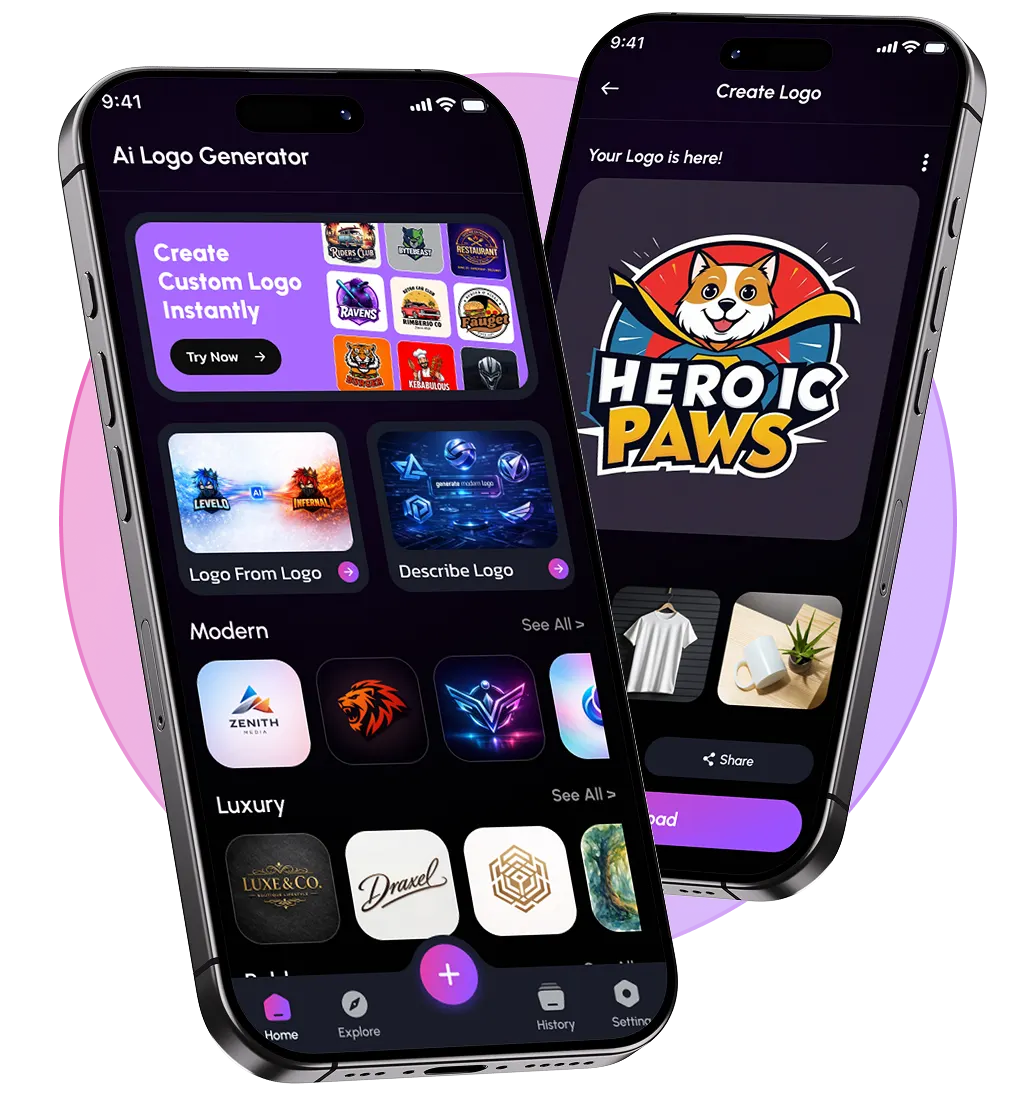
Two iPhone screens of the AI Logo Generator app: the home screen with logo styles and a finished Heroic Paws logo

What App Store reviewers say

Reviews left on the App Store for our iPhone app, AI Logo Maker: Design Studio.

“The example they let you try before charging you is very shallow. Once you have your first design, you already have to buy the app, and they don't give you a chance to know if it's really worth it or NOT. That's how they lose customers.”

ROLICKKKKKK

App Store review · Mexico · March 2026 · Translated from Spanish

Read all reviews on the App Store

AI Logo Generator FAQ

Looking for more logo design tips? Visit our blog. For help, you can also contact us.

AI Logo Generator is an AI logo maker for startups, small businesses, online stores, creators and personal brands. You describe your brand or upload a reference image, and it designs a logo you can edit and download.
You can try it for free: new accounts get free credits to create logos. Logos you download without a plan have a watermark, and buying a plan removes it.
You enter your brand name, choose your industry, select styles and colors, and let the AI generate logo concepts based on your business goals and design preferences.How to write a prompt for an AI logo generator
Yes. You can use AI Logo Generator to create logos for startups, local businesses, ecommerce brands, agencies, apps, creators, and side projects.Logo design for small businessesCustom logos for startupsLogos for online stores
Yes. You can generate modern, minimalist, vintage, luxury, bold, playful, icon-based, and typography-focused logo styles.
Yes. The generated logo concepts are designed for common brand uses including websites, social profiles, business cards, packaging, and marketing assets.Designing a logo for T-shirtsLogo stickers for small businessesEmbroidered hat logos
No design skills are required. The tool is built for founders, marketers, creators, and business owners who want fast logo ideas without starting from scratch.AI logo maker or a human designer?
PNG, SVG and PDF. SVG and PDF are vector formats: they stay sharp at any size, from a favicon (the small icon in a browser tab) to a shop sign. PNG is the easiest choice for websites and social media.Preparing print-ready PNG logo filesWhich logo sizes to export for web, social media and print
Yes. You can download your logo with a transparent background, so it sits cleanly on any color or photo without a white box around it.
Yes. Upload your current logo and describe what you want to change, such as the colors, the style or the symbol. Each request gives you one new design, so send a few prompts to compare directions.
Yes. You can use the logos you create commercially, for your business, website, app, products and other branding, under our Terms & Conditions. If you plan to register the logo as a trademark, search the official trademark database first to check that no one uses a similar mark.Terms & ConditionsUSPTO trademark search
You do. The logos you generate with AI Logo Generator are yours, and you can use them for your business, website, app, products and packaging.
Usually, yes. In the US a trademark can be any word, symbol or design that identifies your goods or services, so a logo made with AI can be registered if it's distinctive and doesn't clash with an existing mark. Copyright is stricter: the US Copyright Office protects AI output only where a person decided enough of its creative content, and prompts alone don't count. Search the trademark register first, and ask a trademark attorney about anything important.USPTO: what is a trademarkUS Copyright Office: copyright and AIUSPTO trademark search
Each request creates a new design, but AI image tools learn from large collections of existing images, so two businesses can end up with similar-looking logos. Make yours more distinctive with a specific prompt, using your name and a symbol that means something to your business, then edit the result. Before you use it widely, search the trademark register for similar marks.How to write a prompt for an AI logo generator
Yes. Use the web app in any browser, or download the iPhone app, called AI Logo Maker: Design Studio on the App Store.Open the web appGet the iPhone app
Start with one or two colors that suit your industry and audience, plus a neutral such as black or white. Then check that the logo still reads in a single color and on both dark and light backgrounds. Color is one of the steps in the logo wizard, so you can try a few palettes and compare.
Look at it small, about the size of an app icon, and in one color. If the name is still readable and the shape still recognizable, it will hold up on a website header, a business card and a T-shirt. Simple shapes and one or two fonts age better than busy details.What makes a good business logo

Create Your Professional Logo with AI Today

Turn your brand idea into a logo you can use. Choose a style, adjust the details and download the files for your business.

You can try it for free: new accounts get free credits to create logos. Logos you download without a plan have a watermark, and buying a plan removes it.

4.1 Rating out of 5 · 7 ratings · US App Store

Type the six characters shown above.

We only use these details to reply to your message. Privacy Policy

Contact Us

Contact us for support, product questions, partnerships, billing help, or feedback about your AI logo generation workflow.

Office #112, 2nd Floor Kohinoor Plaza 1, Faisalabad, Punjab, Pakistan